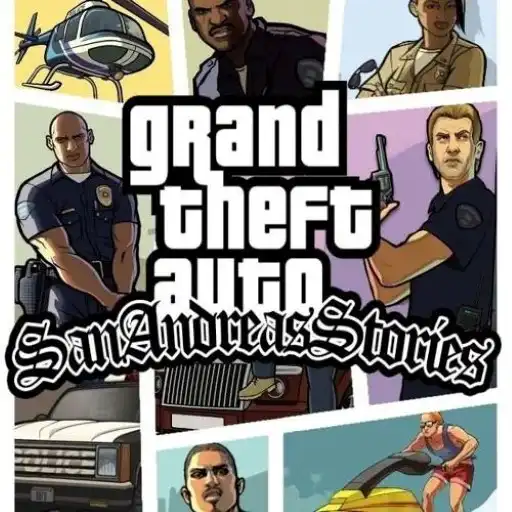
GTA: San Andreas
City scale, arcade pace—see what this run of San Andreas allows.
GTA: San Andreas · Press Esc to exit fullscreen








ABOUT THE EXPERIENCE
Sandbox action, served through an embed
Grand Theft Auto: San Andreas is best known as a large open-world action game: you move through neighborhoods and countryside, take on missions, and improvise when plans go sideways. Vehicles, chases, and on-foot moments all feed the same fantasy—freedom with consequences.
This page loads a web embed hosted by a third party. Feature set, performance, and control bindings can differ from a full desktop install, so treat it as a convenient way to sample the vibe in a tab rather than a 1:1 replacement for the original release.
If you already know the story beats, you will still recognize the rhythm: report to a marker, stir trouble, escape heat, repeat—then wander off to find trouble on your own schedule.
WHAT TO EXPECT
Drive, mission, explore—same loop, smaller window
- 1
Open map, player choice
You bounce between story objectives and sandbox play—steal transport, test shortcuts, or chase side activities when the embed exposes them.
- 2
Combat and evasion
Firefights and getaways reward cover, movement, and knowing when to swap to wheels. Star-level pressure may behave like classic heat—stay mobile.
- 3
Progression varies by build
Some browser ports trim content or remap controls. If something feels missing, it is usually a limitation of the embed—not a bug on your side.
CONTENT
Missions, skills, collectibles
In the full game, progression mixes main missions with gyms, outfits, turf tension, and side hustles. In a browser build, you may see a subset—focus on what the HUD actually offers and follow markers that unlock new beats.
Saving behavior depends on the host. If progress does not stick between visits, plan shorter sessions and treat runs as arcade-style retries.
CONTROLS
Keyboard & mouse (browser San Andreas)
SESSION TIPS
Keep frames and fun high
- Close background tabs — WebGL titles need GPU headroom—give the embed the first claim on your machine.
- Lower sensitivity first — If aiming feels twitchy, nudge mouse sensitivity in-game before blaming skill.
- Commit to exits — During heat, pick a route and stick to it—three mid-turn changes usually end worse than one bold line.
- Respect embed limits — If a feature is absent, do not fight the build—adapt to what is actually wired up.
FAQ
Is this the same as the full PC or console release?+
Not necessarily. Browser embeds often differ in content, performance, and controls. This page provides access to the hosted web version only.
Who owns Grand Theft Auto?+
GTA is a trademark of its rights holders (Rockstar Games). This site only embeds a third-party web player for convenience.
Why does my save or feature differ from what I remember?+
Web ports can ship trimmed modes, different bindings, or limited persistence. Check the in-game help and the host’s notes.
SHARE
Playing GTA: San Andreas in the browser—open map energy without a long install.
https://escaperoad-3.com/games/gta-san-andreas
GTA: San Andreas